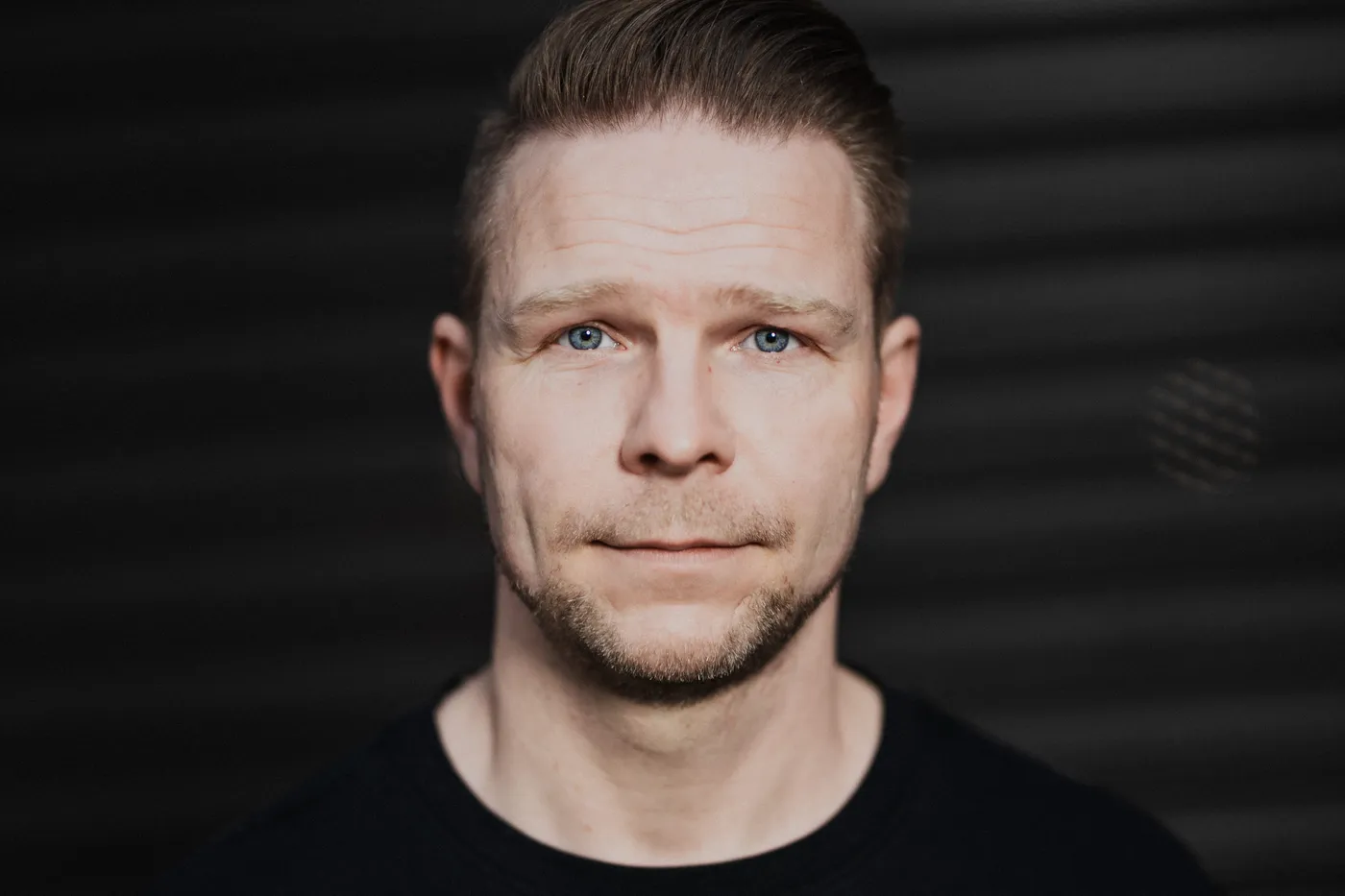
I get asked this question more and more often. Do you use AI images for your clients? Do you generate a lot with artificial intelligence?
The short answer: yes, I use AI. But quite differently from what you might expect.
Anyone who designs probably knows the situation: a client needs a flyer, a poster or a website – but there hasn’t been a photo shoot yet, so there’s no image material of their own. In the past, you would have turned to stock photos; today, image generation is the obvious move. I still do something else.
Of course, I know the various tools that are now on the market – from Adobe Firefly, which is integrated directly into the Adobe programs, to other image generators and, of course, ChatGPT or Gemini. Especially with the right subscription, you can now choose between different models, use different image formats and resolutions and, in some cases, generate images up to 4K.
Technically, that’s pretty impressive. Still, AI image generation isn’t my first step.
My own image archive is my most important source
For client projects, I always try to work with my own pictures first.
Over the years, I’ve built up a pretty large image library. And I love using it. A big advantage for me is legal certainty: they are my own pictures, and I know where they come from.
These days, my pictures are mainly stored in a cloud solution where I’ve booked plenty of storage. The images are automatically analyzed there and tagged with numerous attributes. That’s surprisingly practical for my work.
For example, I can search for “hamburger” and get pictures of hamburgers that I photographed at some point. I can search for restaurant, architecture, landscape or city. The recognition isn’t always perfect, of course – with “city,” the system tends to recognize that it’s an urban environment rather than which specific city it is. People can also be identified via face recognition.
This lets me find suitable material for client projects relatively quickly – and that material comes from my own archive.
The next step: my photo plus AI
If my own picture isn’t quite what the client needs yet, the next step for me is to take my source material and keep editing it with AI.
That can mean, for example, that I extend an image, change elements or have certain areas regenerated. I now also use AI for classic retouching. In the past, I might have painstakingly removed a distracting object with the clone stamp tool. Today, I sometimes let AI handle things like that. It saves time and now works surprisingly well.
With retouching in particular, however, I’ve also found that not every standard AI tool automatically delivers good results. Some applications change things that shouldn’t be changed at all, or create a look that quickly appears artificial. Specialized tools sometimes work much better.
And only then comes the fully generated image
Full image generation only comes third for me.
Of course, today you can describe almost anything and have an image generated from it. But that’s exactly where you notice very quickly: the less information you give, the more interchangeable the result.
If, for example, I want to generate a person, it’s not enough to simply write: “Create a realistic portrait of a woman.” Then I usually get exactly what you’ve seen a thousand times by now.
It gets more interesting when I describe the image very precisely: what should the skin look like? Should it be perfect, or can it have pores, wrinkles and freckles? How does the light fall? Is there a single strand of hair sticking out of the hairstyle? How close is the camera to the person? Which focal length should the look have – 35 millimeters, 50 millimeters, 85 millimeters? Close-up or wide angle?
And then, of course, there’s the question of the actual look of the image. The more precise the description, the more I can influence the result.
By the way, that’s also a big part of what many AI courses teach these days: not just writing any old prompt, but learning to describe an image as precisely as possible. Anyone who knows their way around focal lengths and their looks has a clear advantage.
But you also have to look closely at the legal side
Especially in a professional setting, that’s an important point for me.
When people, brands or certain subjects come into play, you have to look closely at what rights you actually have to a generated image and under what conditions you may use it commercially. Not every tool and not every model works the same way here.
That’s why, for client projects in particular, I wouldn’t simply use any free image generator and then assume that all the legal questions are automatically settled. You should know which tool you’re using, which terms of use apply and which rights you receive to the result.
Perfect is boring
I’ve actually moved away from pure AI image generation a bit again.
At first, of course, I was just as enthusiastic as many others. You type in a few words and suddenly an image appears for which you would once have needed a model, a studio, lighting, a location, a stylist, a photographer and a lot of time. Wow.
But at some point, the effect stopped impressing me so much. Maybe also because you see so many AI images these days. And many of them look surprisingly alike: perfect skin, perfect light, perfect faces, perfect situations. Technically impressive – but eventually also a bit boring.
Of course, there are ways around that. With the right prompts, I can also get imperfect pictures: visible pores, uneven light, a messy background, a person who doesn’t look like they stepped out of a catalog. Technically, that’s long been no problem. It just doesn’t excite me right now.
That’s why I much prefer working with real pictures. With pictures of things that actually happened. With real people, real locations and real little imperfections.
So my workflow looks roughly like this
When I need image material for a client, I usually proceed in this order:
- My own archive. First, I check whether I already have a suitable photo.
- My own photo plus AI. If the picture basically fits but needs to be changed, extended or retouched, I use AI as a tool within the existing image.
- Fully generated image. Only when I have no suitable source material do I have an image generated completely.
And sometimes the best solution is no AI at all, but a photo shoot.
Especially when a client needs a whole portfolio of pictures, I still very often recommend actually doing a shoot. Because in the end, for many clients it makes a difference whether they have real pictures of their company, their employees, their products and their surroundings – or pictures that look perfect but never really existed.
For me, AI is therefore not a replacement for photography. It’s a tool within my photography. And that’s exactly how I use it.
Real pictures for your company?
If you need image material for your website, social media or a campaign: how a business shoot works is on the service page – one example from practice is Car Service Schmidt. The same principle applies to my websites: technology and texts are created with AI support, I do the design by hand – and the photos are real.